
In today’s digital world, securing your online accounts has become more important than ever. WhatsApp, being one of the most widely used messaging platforms, stores a wealth of personal and business information. Protecting this data from unauthorized access is crucial. Learning how to set up Two-Factor Authentication (2FA) on WhatsApp is one of the easiest and most effective ways to enhance your account security.
Two-Factor Authentication adds an extra layer of protection to your account. Normally, when logging into WhatsApp, you only need your phone number and the verification code sent via SMS. With 2FA enabled, WhatsApp will also ask for a 6-digit PIN. This ensures that even if someone gains access to your verification code, they still cannot enter your account.
This security feature is available on both Android and iPhone devices. It is highly recommended for anyone who wants to keep their personal messages, group chats, and media files safe from hackers or unauthorized users.
Why You Should Enable Two-Factor Authentication on WhatsApp
Enabling 2FA provides multiple benefits. First, it prevents unauthorized access to your account, which is particularly important for users who manage business communications or sensitive personal information.
Second, 2FA adds an extra verification step every time you register your number on a new device or reinstall WhatsApp. Even if someone steals your SIM card or phone number, your account remains protected by the PIN.
Finally, 2FA gives you peace of mind. Knowing that your messages and contacts are protected allows you to communicate freely without constantly worrying about potential security breaches.

How to Set Up Two-Factor Authentication on WhatsApp (Android)
Setting up Two-Factor Authentication on Android is simple and takes only a few minutes.
Steps for Android Users:
- Open WhatsApp on your device.
- Tap the three dots in the top-right corner.
- Select Settings from the menu.
- Tap Account, then choose Two-step verification.
- Tap Enable to start the setup process.
- Enter a six-digit PIN of your choice and confirm it.
- Optionally, add a recovery email to reset your PIN if you forget it.
- Tap Save to finish the setup.
Once enabled, WhatsApp will occasionally ask for your PIN to verify your identity. This ensures ongoing security even after the initial setup.
How to Set Up Two-Factor Authentication on WhatsApp (iPhone/iPad)
For iPhone users, the setup process is slightly different but equally simple.
Steps for iPhone/iPad Users:
- Open WhatsApp and go to Settings.
- Tap Account, then Two-step verification.
- Choose Turn On or Set Up PIN.
- Create a six-digit PIN and re-enter it for confirmation.
- Add a recovery email address to regain access if you forget your PIN.
- Tap Done and verify your email if prompted.
After this, your WhatsApp account will require a PIN during any new verification or device setup, providing continuous protection.

How to Change Your WhatsApp PIN or Recovery Email
Sometimes you may need to change your PIN or recovery email. This can be necessary if you forget your PIN, suspect unauthorized access, or want to update your contact information.
Steps to Change PIN or Email:
- Go to Settings > Account > Two-step verification.
- Tap Change PIN to set a new PIN.
- Tap Change Email Address to update your recovery email.
- Enter your new details and confirm them.
- Tap Next or Save to finalize the changes.
Always ensure that your recovery email is active. This allows you to reset your PIN easily and regain access to your account if needed.
Tips for Choosing a Strong WhatsApp PIN
A strong PIN enhances the security of your account. Follow these tips when creating your PIN:
- Avoid common numbers like “123456” or your birthday.
- Use a combination of random numbers that are easy for you to remember but difficult for others to guess.
- Do not share your PIN with anyone, even friends or family.
- Consider changing your PIN periodically to further improve security.
With a secure PIN, even if someone gains access to your verification code, they will not be able to log in to your account.

Recovery Email Best Practices
Adding a recovery email is optional but highly recommended. It allows you to reset your PIN if you forget it.
- Always use an active and secure email address.
- Do not use an email that you may lose access to in the future.
- Ensure your email account has two-factor authentication enabled for additional protection.
By following these best practices, you can maintain full control over your WhatsApp account even in unexpected situations.
Common Questions About WhatsApp Two-Factor Authentication
- Do I need 2FA for WhatsApp?
Yes, it provides an extra layer of security, making it much harder for hackers to access your account. - What if I forget my PIN?
You can reset it using your recovery email, as long as you added one during setup. - Can someone bypass 2FA?
Without your PIN and recovery email, it is extremely difficult for anyone to access your account. - Will WhatsApp ask for my PIN regularly?
Yes, occasionally the app will prompt you to enter your PIN to ensure ongoing security.
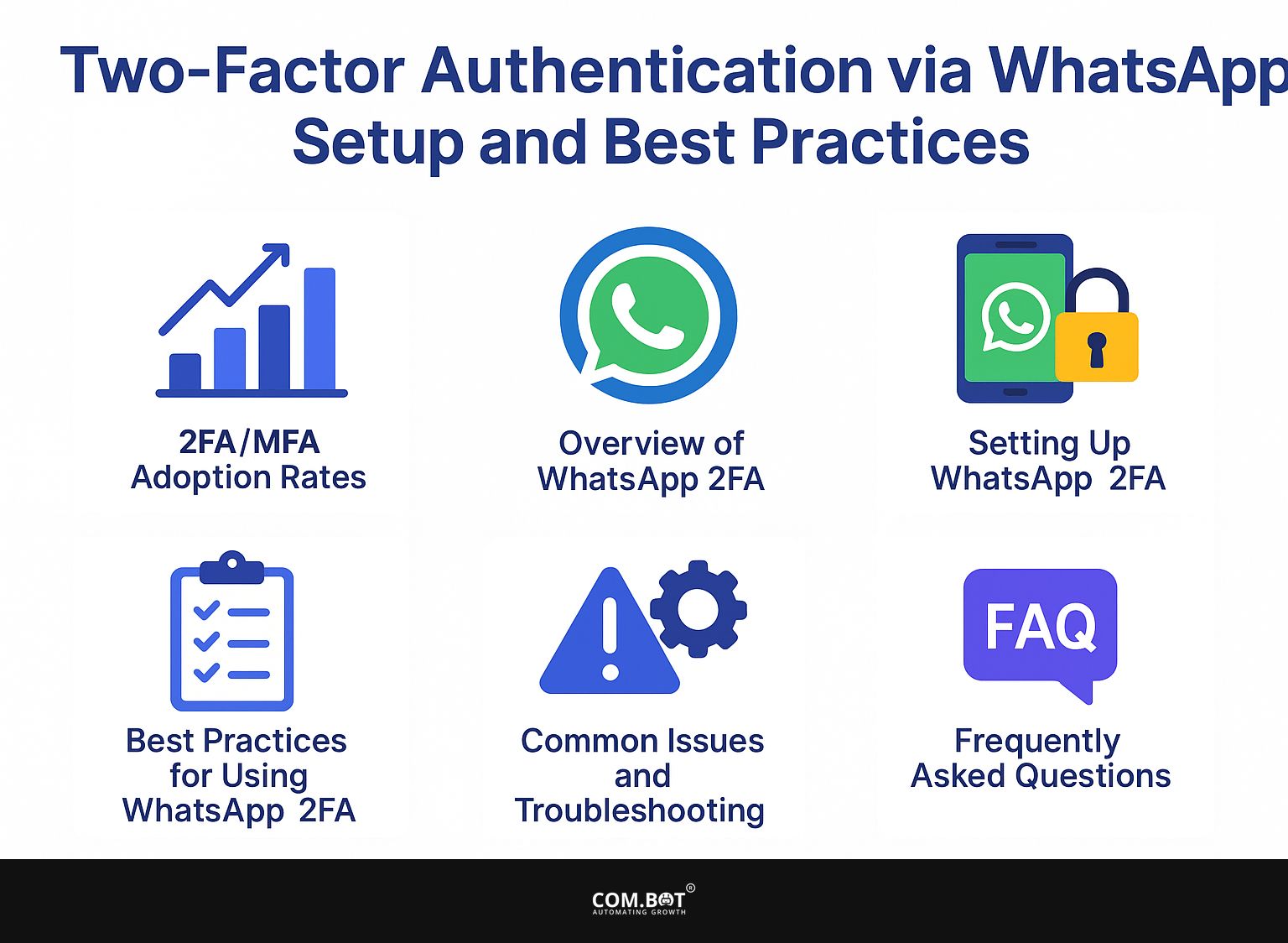
Why Two-Factor Authentication is Essential
Two-Factor Authentication is one of the most effective ways to protect your online accounts. Even if a hacker obtains your phone number or verification code, they cannot access your WhatsApp account without the PIN.
This feature is particularly important for:
- Business Accounts: Protect confidential chats and client data.
- Personal Accounts: Safeguard private conversations, photos, and media.
- Frequent Travelers: Prevent unauthorized access if your SIM card is lost or stolen.
By enabling 2FA, you ensure that only you can verify and use your WhatsApp number, providing continuous protection for all your data.
The End Note
Setting up Two-Factor Authentication on WhatsApp is an easy, fast, and highly effective way to enhance your account security. It only takes a few minutes to create a PIN and optionally add a recovery email, but the protection it provides lasts indefinitely.
Always choose a secure PIN, add a recovery email, and remember to update them if necessary. Enable 2FA today to safeguard your messages, contacts, and personal data from hackers or unwanted access. With this simple step, your WhatsApp account becomes much safer, giving you peace of mind in your digital communications.