
WhatsApp is one of the world’s most used communication platforms, connecting billions of people daily for chats, sharing media, and business communication. But sometimes, WhatsApp bans an account due to suspicious activity or violations of its guidelines. When this happens unexpectedly, it can create stress, especially if you rely on WhatsApp for important conversations or work.
Understanding how to recover banned WhatsApp accounts becomes essential. With the right steps, you can restore access and continue using WhatsApp safely without losing your personal or business data.
WhatsApp usually bans accounts through automated systems, user reports, or detected misuse. These systems work silently in the background to maintain a safe environment. Knowing the ban reasons can help you avoid future issues and recover your account successfully.
Key Takeaways
- WhatsApp bans accounts for violations like spam, misuse, unofficial apps, or user complaints.
- Banned accounts can be recovered through support requests, online forms, and email appeals.
- Always use official WhatsApp apps only to avoid future bans.
Common Reasons for WhatsApp Bans
WhatsApp enforces strict rules to protect user privacy and platform security. Any behavior that breaks these rules may trigger a ban. Understanding these causes helps prevent accidental violations.
- Sending spam or large volumes of bulk messages
- Using modified WhatsApp apps like GBWhatsApp, YoWhatsApp, FMWhatsApp
- Sharing harmful, misleading, or offensive content
- Adding people to groups without permission
- Getting reported by multiple users
- Violating WhatsApp’s commerce or business policies
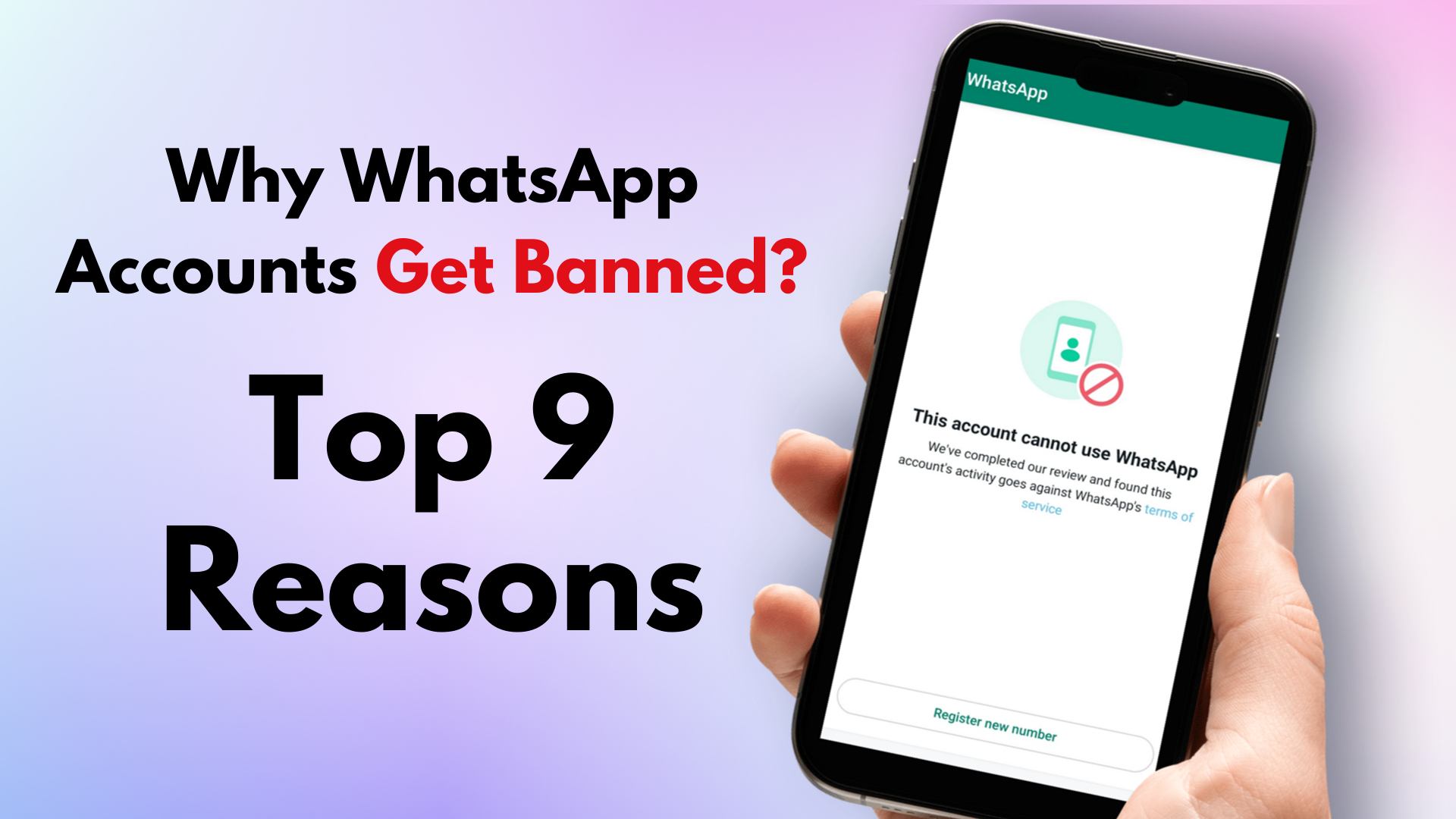
WhatsApp applies two main types of bans:
1. Temporary Ban
This ban usually happens when you use an unauthorized app or make minor violations. A timer appears showing how long you must wait before using WhatsApp again. It typically lasts from a few hours up to 48 hours.
2. Permanent Ban
Permanent bans are more serious. These occur when WhatsApp detects repeated violations or dangerous activity. The account stays banned unless WhatsApp reviews and restores it after an appeal.
To stay safe, always uninstall unofficial WhatsApp versions and use only the app from the Google Play Store or Apple App Store.
How to Recover Banned WhatsApp Accounts
If your WhatsApp account gets banned, don’t panic. There are multiple official methods to request a review and restore your account. Follow each step carefully for maximum success.
1. Understand the Ban Message
When you open WhatsApp, you will see a message such as:
- “Your number is banned from using WhatsApp.”
- “This account has been temporarily banned.”
This message indicates whether your ban is temporary or permanent. Read it carefully before proceeding.
2. Contact WhatsApp Support Inside the App
If the ban is permanent, the app may still allow you to contact support directly. Here’s how:
Steps:
- Open WhatsApp → Settings
- Tap Help
- Tap Contact Us
- Explain your issue politely
- Include your full number with country code (e.g., +91XXXXXXXXXX)
- Request a manual review
- Attach a screenshot of the ban message
- Submit and wait for the reply
WhatsApp typically responds within 24–72 hours.
3. Use the Official WhatsApp Online Support Form
This method works even if you can’t open WhatsApp on your device.
Steps:
- Visit the WhatsApp Support Page in a browser
- Select your platform (Android, iPhone, Web)
- Enter your phone number
- Provide a valid email address
- Explain that your number was banned by mistake
- Submit the form
WhatsApp will send updates to your email. Always check your spam folder for their replies.
4. Email WhatsApp Support Directly

If previous methods fail, you can directly email WhatsApp from the same email linked to your device.
Email Addresses:
- Android users: support@whatsapp.com
- iPhone users: iphone-support@whatsapp.com
- Business users: smb_web@support.whatsapp.com
What to include:
- Your full number with country code
- Screenshot of the ban message
- A clear explanation
- A polite request to restore the account
Sending multiple emails repeatedly can slow down the process. Wait patiently for the response.
5. Recovering WhatsApp Business Banned Accounts
WhatsApp Business has its own review system.
Steps:
- Open WhatsApp Business
- Tap Request a Review
- Describe why the ban is incorrect
- Tap Submit
WhatsApp will analyze your appeal and send the result inside the app.
Sample Email Templates You Can Use
Template 1 (General)
Subject: Request to Review My Banned WhatsApp Number

Dear WhatsApp Support Team,

My WhatsApp number +[Country Code][Phone Number] has been banned unexpectedly. I believe this may have happened by mistake. I always follow WhatsApp's terms and do not engage in any harmful or spam activities.

Kindly review my account and unban it as soon as possible.

Thank you,
[Your Name]
Template 2 (Business)
Subject: WhatsApp Business Account Unban Request

Hello Team,

My WhatsApp Business number +[Country Code][Number] has been banned. This has affected my customer communication. I request a quick review as I always follow business guidelines.

Thank you for your support,
[Your Name]
How Long Does WhatsApp Take to Unban a Number?

The unban time depends on the type of ban:
Temporary Ban
➡ Usually 12 hours – 30 days
➡ No action required
➡ Wait until the timer finishes
Permanent Ban
➡ WhatsApp will respond to your appeal within 24–72 hours
➡ In rare cases, reviews may take 7 days
During this review period:
- Do not reinstall WhatsApp
- Do not switch devices
- Do not send repeated appeals
Patience is important here.
Tips to Avoid WhatsApp Bans in the Future
To protect your account from future issues, follow these simple guidelines:
✔ Use only official WhatsApp from Google Play Store or App Store
✔ Avoid bulk messaging or spam
✔ Do not forward fake news or harmful content
✔ Never add users to groups without consent
✔ Avoid automation tools not approved by WhatsApp
✔ Businesses should use WhatsApp Business API for safety and compliance
Using the Business API helps avoid bans and provides advanced tools like automated replies, catalog management, and broadcast communication.
Final Words
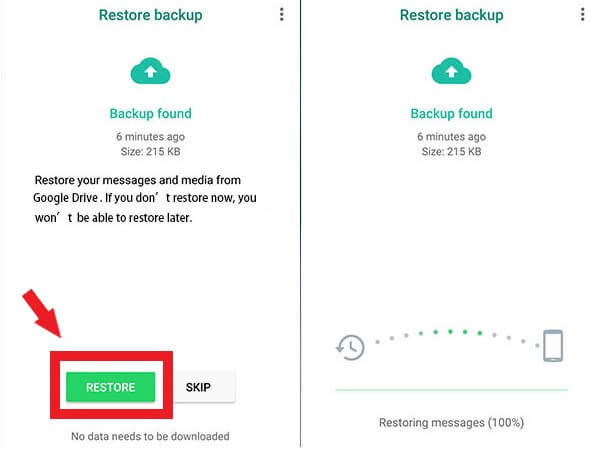
Getting banned on WhatsApp can be stressful, especially if you depend on it for personal or business conversations. But by understanding how to recover banned WhatsApp accounts and following the proper steps, you can restore access quickly and safely.
Always follow WhatsApp’s rules, avoid spam, and use official apps to protect your account. If you ever face a ban, use the support options — in-app help, online forms, and email — to get your account reviewed and restored.