
Expressing emotions in chats is now easier and more personal with Telegram. The option to create custom emojis allows users to add a unique and fun touch to every conversation. Instead of relying on standard emojis, you can design your own and use them in messages, groups, or channels. This feature makes chats lively, humorous, and completely personalized.
Custom emojis help you show your personality, jokes, reactions, and moods in a way that standard emojis cannot. You can design emojis for different occasions, inside jokes with friends, or even to match your branding if you run a Telegram channel or group.
With Telegram’s flexible emoji and sticker system, you can now design, upload, and share your creations with ease. Whether you are a casual user, creator, or social media influencer, custom emojis give you a creative edge in chats.
Key Takeaways
- Telegram allows you to design and use personalized emojis to express emotions uniquely.
- You can create emojis as PNG files with a 512×512 size and upload them via the Telegram Stickers bot.
- Uploaded emojis can be shared with friends and used in chats like normal stickers.
- Custom emojis add creativity, personality, and fun to your conversations.
- Following proper design rules ensures your emojis look good and are accepted by Telegram.
Getting Started with Telegram
Before diving into creating emojis, you need to have Telegram installed. Download the app from the App Store for iOS or Google Play Store for Android. Telegram is free and works on phones, tablets, and desktops.
After installation, register using your phone number. Telegram will send a verification code via SMS. Enter it carefully, set a strong password, and enable two-step verification for enhanced account security. This ensures your chats and personal data remain private.
Telegram gives you control over privacy and profile visibility. You can decide who can see your profile picture, username, and contact number. Familiarize yourself with these features to use the platform safely. Once comfortable, you’re ready to start designing your own emojis.
Why Custom Emojis Are Fun and Useful
Creating custom emojis in Telegram is not just about fun; it’s also a great way to enhance communication. Personalized emojis can convey feelings more accurately than generic emojis. They make your messages stand out and help you connect better with your friends or audience.
For creators and social media influencers, custom emojis can reflect their brand or theme. They can be used in fan groups, Telegram channels, or community chats to boost engagement. Emojis also help maintain a cohesive style or theme for your online presence.
Even casual users benefit from custom emojis. Inside jokes, family themes, or reaction-based emojis make chatting more enjoyable. They can be designed to suit any mood, event, or conversation style.

Step 1: Design Your Emoji
Designing custom emojis requires image editing software. Popular choices include:
- Photoshop
- GIMP (free alternative)
- Canva
Keep these design rules in mind:
- File format: PNG
- Size: 512 x 512 pixels
- Transparent background
- Avoid copyrighted or stolen content
To make the background transparent, add an alpha channel in your design software and erase the background until a checkerboard pattern appears. Use bold colors, clean lines, and simple shapes so the emoji looks good even at small sizes. You can also check Emojipedia for inspiration or current trends.
Creative emojis can be humorous, expressive, thematic, or even brand-oriented. Focus on clarity and emotion — a good emoji is immediately recognizable and conveys its intended feeling.
Step 2: Upload Your Emoji to Telegram
Once your emoji design is ready, you need to upload it using the Telegram Stickers bot. This bot is the official method for adding emojis and stickers to your account.
Follow these steps:
- Open Telegram and search for the Stickers bot (@Stickers).
- Start the bot by tapping Start.
- Type /newpack and press send.
- Enter a name for your sticker pack.
- Tap the paperclip icon, select File, and upload your emoji PNG.
- Choose a matching emoji from the keyboard for each image.
- Repeat steps for every emoji you want in the pack.
- Type /publish when finished.
You can also add an optional icon (100 x 100 pixels) for your emoji pack. Telegram will provide a unique link to share your emoji pack with friends.
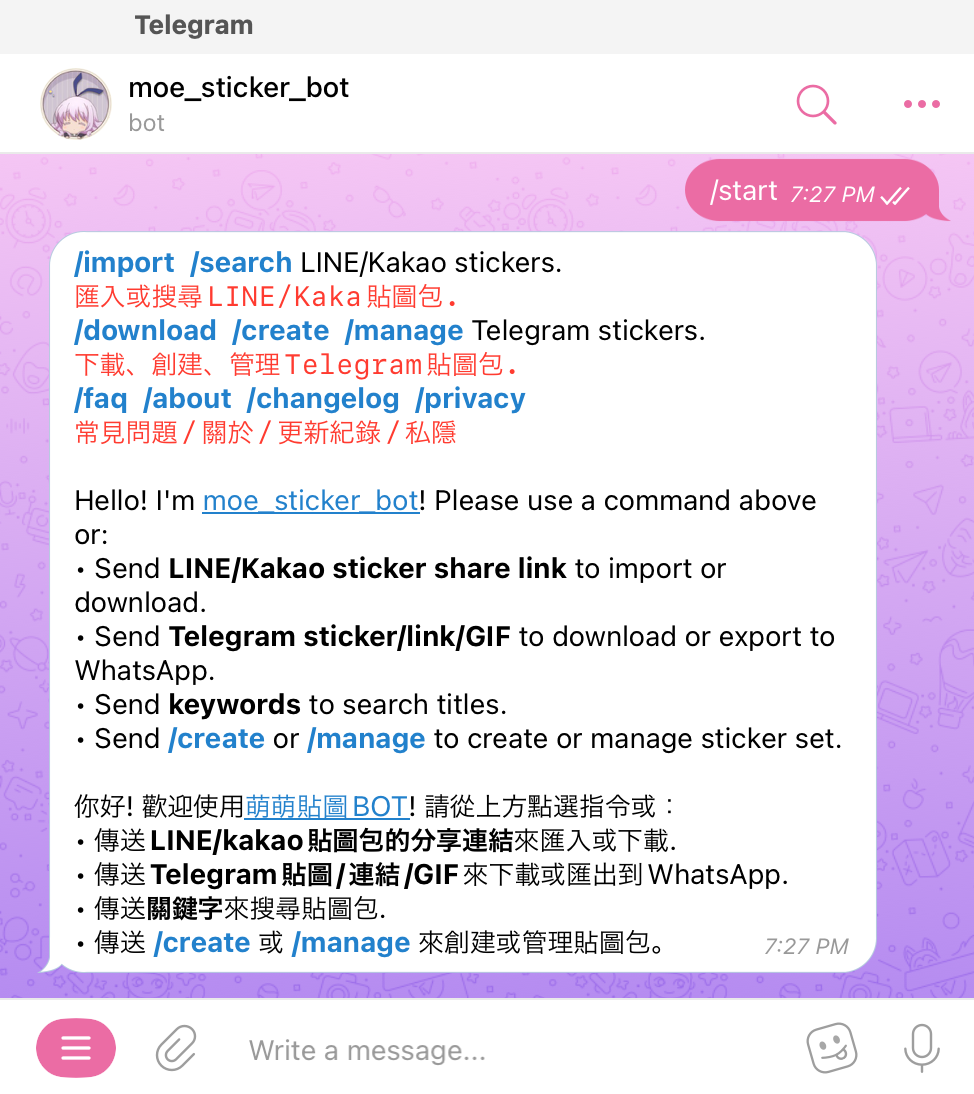
Step 3: Use and Share Your Custom Emojis
After publishing, tap the link provided by Telegram and select Add Stickers. Your emojis are now available in your chats. You can send them just like standard stickers, making conversations fun and expressive.
Sharing your emoji pack link with friends allows them to use your emojis too. You can create theme-based packs, like birthday emojis, holiday packs, or memes. This adds a personalized touch to every chat and encourages social engagement.
For channels or groups, custom emojis can increase interaction, making members more active. They can also reflect your brand identity for public or community pages.
Tips for Creating the Best Emojis
When designing emojis for Telegram, keep these tips in mind:
- Clarity: Use simple shapes and clear outlines.
- Bold Colors: Bright, contrasting colors stand out in small sizes.
- Minimal Details: Avoid cluttered designs; too much detail can make emojis confusing.
- Test Sizes: Ensure they look good when small.
- Cultural Sensitivity: Avoid offensive symbols or gestures.
If you encounter upload issues, restart or update Telegram. Updates often fix bugs. For additional help, Telegram Support can assist with technical problems.

Advanced Emoji Ideas
For creators who want more creativity:
- Animated Emojis: Telegram supports animated stickers, which can make your emojis move.
- Themed Packs: Create sets for holidays, events, or special interests.
- Inside Jokes: Emojis for private groups or chats to make conversations playful.
- Branded Emojis: Use logos or mascots for channels or communities.
These advanced ideas help make your chat experience unique and fun, encouraging friends or followers to engage more.
Final Notes
Creating custom emojis in Telegram is easy, fun, and rewarding. With a little creativity, you can design emojis that truly reflect your personality, mood, or brand. Upload them, share them, and make every chat more lively and enjoyable.
Telegram’s emoji and sticker system provides a flexible and powerful way to personalize chats. From casual conversations to brand engagement, custom emojis make communication richer and more expressive. By following design rules and using the Stickers bot, anyone can create professional-quality emojis in minutes.
With time, you can build multiple emoji packs, themed collections, or even animated sets, ensuring your Telegram conversations stand out from the crowd.